Power BI Dashboard Development Services: A Guide for Businesses
Power BI dashboard development services help businesses turn reporting requirements, messy data sources, and manual spreadsheet work into dashboards that support decisions. The work should cover more than visuals: it should include data, modeling, validation, security, and handoff.
What Power BI dashboard development services include
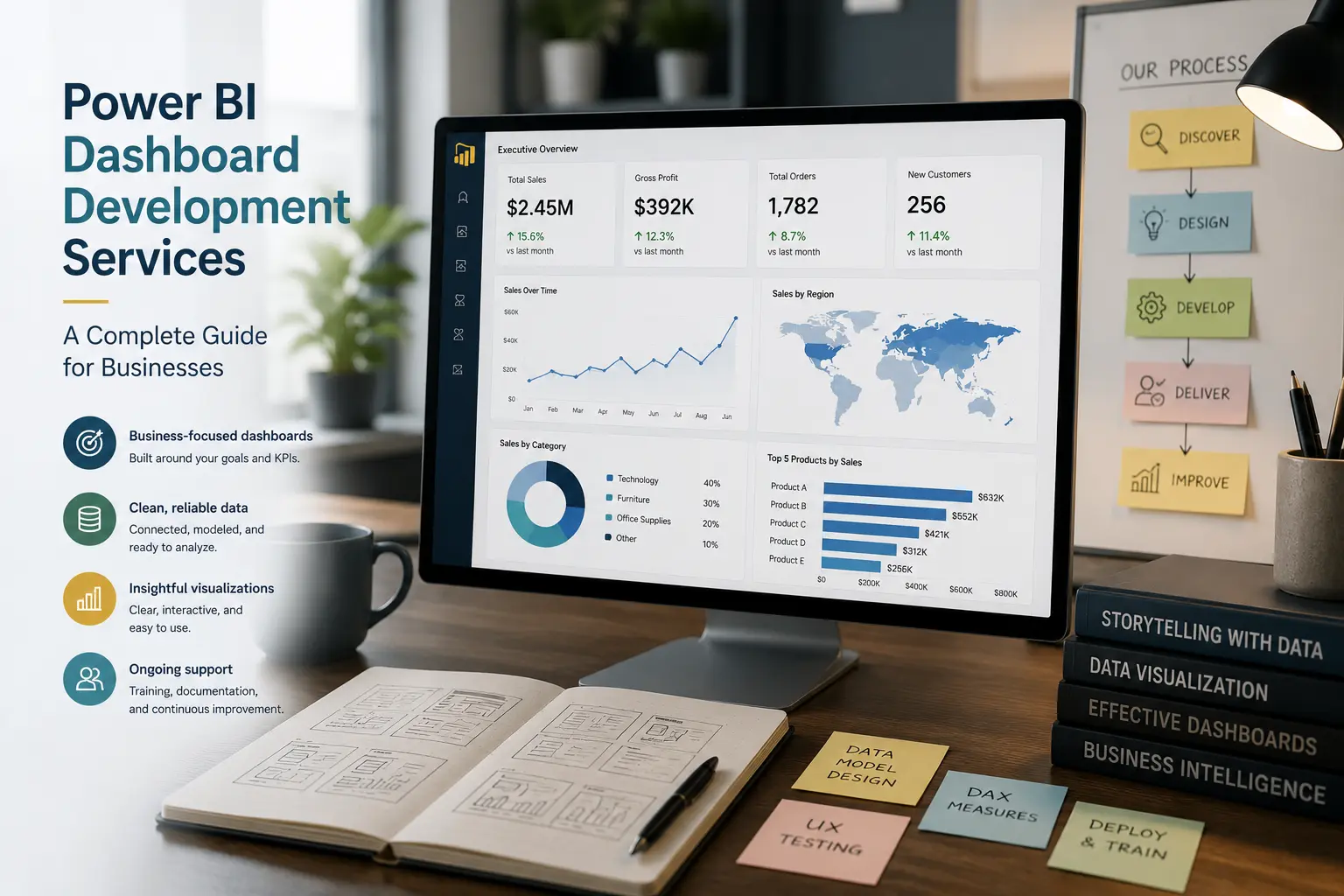
Power BI dashboard development services are professional services for designing, building, validating, deploying, and supporting business dashboards. The work often includes dashboard consulting, data modeling, reporting automation, and Power BI implementation tasks because dashboards depend on the quality of the data behind them.
For SMBs, the goal is usually practical: reduce manual reporting, give leaders a reliable view of performance, standardize KPI reporting, and make reports easier to use. A dashboard-development partner should help decide what belongs on the dashboard, how the data will refresh, who can access it, and how the company will maintain it.
Typical services include:
- Requirements workshops with executives, finance, operations, sales, or IT.
- Translation of business questions into KPIs, measures, filters, and drill paths.
- Data discovery across applications, databases, exports, and spreadsheets.
- Data cleaning, transformation, and integration.
- Semantic model design, relationships, DAX measures, and calculations.
- Wireframes, prototypes, report pages, and dashboard layouts.
- User-acceptance testing, validation, security setup, refresh configuration, and documentation.
This is different from dashboard inspiration or template selection. A professional engagement should produce a reporting asset that fits the business process, not only a page that looks good in a screenshot.
For companies looking for direct help, the Power BI dashboard development service page explains how Willduet supports dashboard planning, buildout, and reporting implementation.
How dashboard requirements become KPIs and reports
A strong project starts by identifying the business decisions the dashboard must support. The provider should ask what meetings will use it, what questions are currently hard to answer, which numbers are disputed, and what actions users should take after reviewing the dashboard.
For example, an operations leader may ask for a “daily dashboard.” The real need may be backlog visibility, aging work orders, service-level exceptions, labor capacity, and locations at risk. A finance leader may ask for a “profitability dashboard,” but the important questions may involve margin by customer, product mix, discounting, expenses, and budget variance.
Data discovery and source integration
Once the KPIs are clear, the team needs to find the right data. This may involve accounting systems, CRM data, ERP tables, SQL Server, Excel files, cloud applications, or operational tools. The development partner should identify where the source data lives, how often it changes, and whether the data can support the requested metrics.
Data cleaning and transformation
Dashboards often fail when cleanup rules are hidden inside spreadsheets or report visuals. Transformations should be documented and handled in a way that supports repeatable refresh. Depending on the situation, that may mean Power Query, SQL views, a data warehouse, or a more formal data pipeline.
Semantic model and measure development
The semantic model is the foundation for custom Power BI dashboards. It defines tables, relationships, calculations, and reusable measures. If the model is weak, every future dashboard becomes harder to build. A good model supports both the first dashboard and likely future reports.
Dashboard wireframing, validation, and deployment
Wireframes help stakeholders agree on structure before too much development time is spent. They do not need to be elaborate, but they should show the primary KPIs, filters, sections, page flow, and drill paths. This is especially useful when executives and managers have different expectations.
Prototypes should be reviewed with real users. A prototype review is not only about color or chart choice. It should test whether users understand the KPIs, can find exceptions, can apply filters correctly, and can answer the business questions the dashboard was built for.
Validation should compare dashboard totals against trusted reports, sample transactions, or finance-approved numbers. User-acceptance testing should include data accuracy, filter behavior, role-based access, refresh timing, and navigation. Skipping validation is one of the fastest ways to lose trust.
Deployment includes publishing to the right workspace, configuring refresh, setting permissions, distributing through apps when appropriate, documenting ownership, and training users. If you are preparing for launch, our Power BI implementation checklist covers readiness questions.
Executive, operational, and departmental dashboards
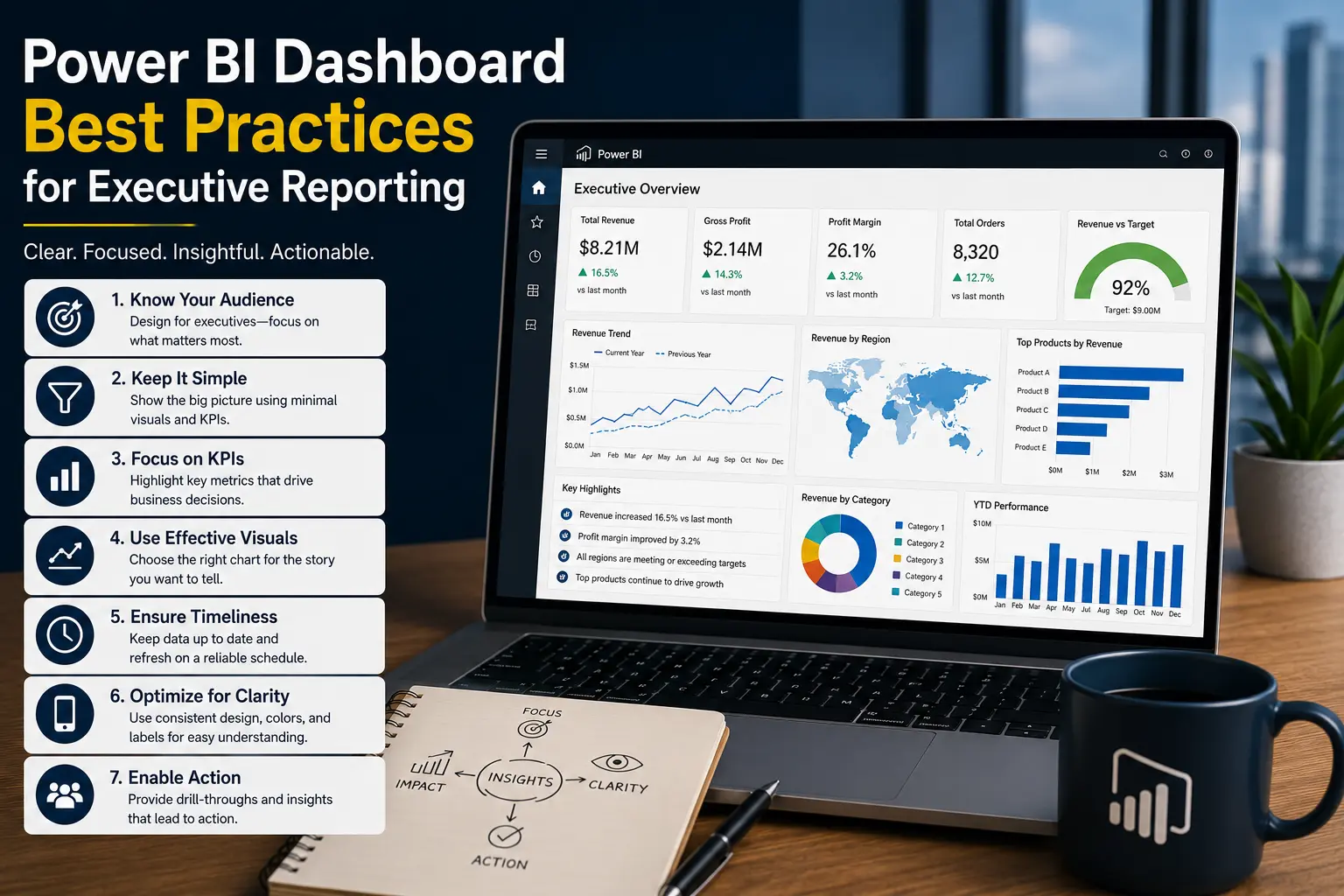
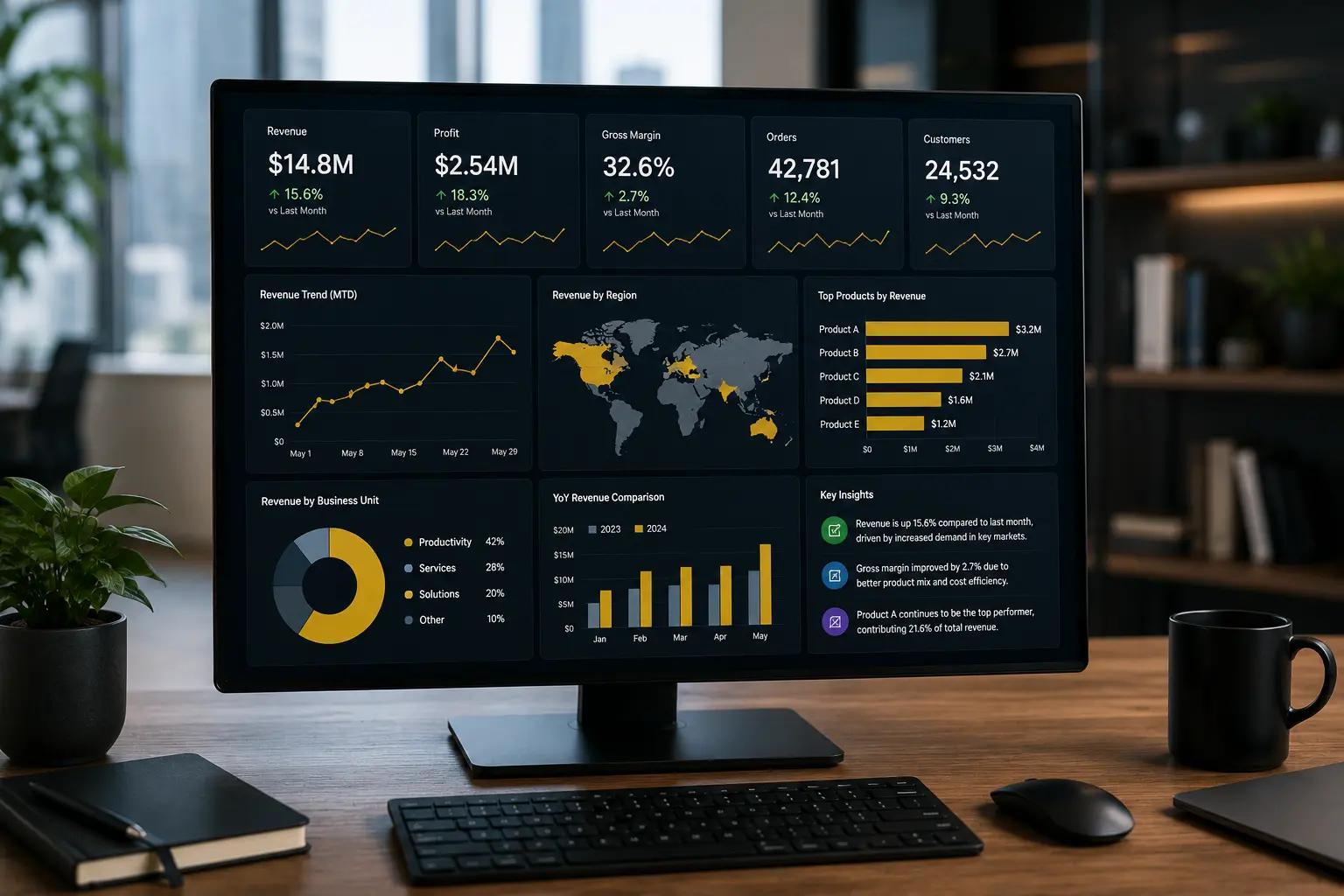
Executive dashboards should be concise and designed for review meetings. Operational dashboards may need more frequent refreshes and stronger exception handling. Departmental dashboards usually require deeper business rules and more detailed filters. Our guides on executive dashboard design and KPI dashboard design cover these design considerations in more detail.
Common reasons dashboard projects fail
Dashboard projects rarely fail because one chart type was wrong. They fail because the business need was unclear, the data was not ready, definitions were disputed, users were not involved, or deployment was treated as the finish line.
- Requirements are vague or based on a legacy spreadsheet without questioning the workflow.
- Data quality problems are discovered late and not addressed in scope.
- Measures are built separately for each page instead of through a reusable model.
- The dashboard is designed for the wrong audience.
- User-acceptance testing is skipped or limited to a quick visual review.
- Security and access are handled manually instead of intentionally.
- Refresh failures and support ownership are not defined.
Project complexity increases with the number of data sources, KPI ambiguity, data volume, security rules, refresh frequency, and stakeholder groups. This does not mean every project needs a large architecture. It means scope should be honest about what must be solved for the dashboard to be useful.
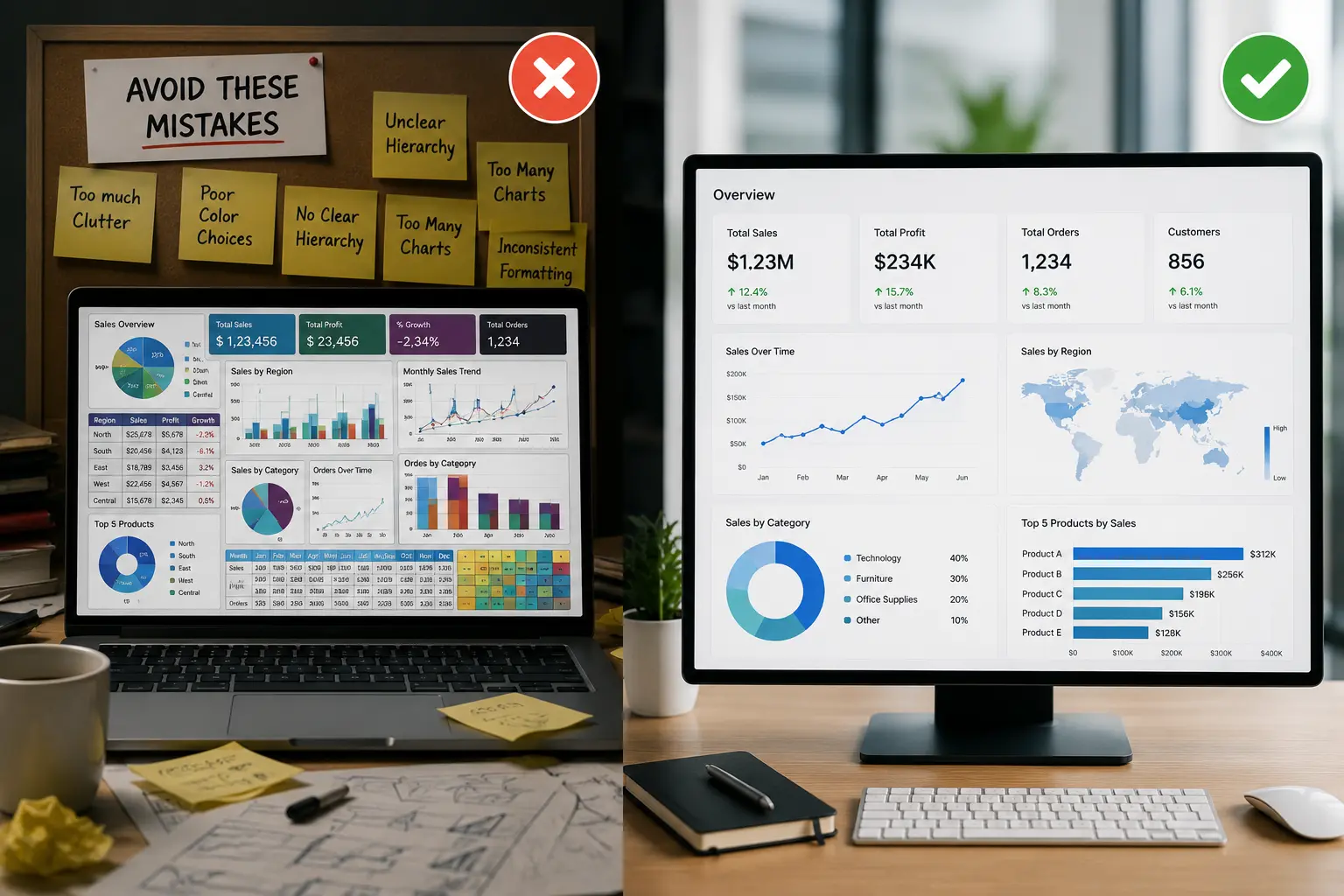
If a current dashboard is already confusing or slow, review common dashboard design mistakes and how to optimize slow Power BI reports.
How to prepare before engaging a development partner
Before speaking with a dashboard-development provider, gather current reports, data extracts, screenshots, KPI definitions, user roles, pain points, and examples of decisions the dashboard should support. You do not need perfect requirements, but you should be ready to explain what is not working today.
Also clarify who will validate the numbers. A provider can build the model, but finance, operations, sales, or IT leaders need to confirm business logic. Without validation owners, dashboard development becomes guesswork.
A good partner should discuss process, not just visuals. Ask how they handle source data, modeling, security, testing, documentation, training, and support. If they cannot explain those pieces clearly, the project may be too dependent on design alone.
Need dashboards built around real business decisions?
Willduet helps SMBs with Power BI dashboard development services, KPI reporting, data modeling, reporting automation, and implementation support.
Conclusion: power bi dashboard development services
Power bi dashboard development services should help a business create dashboards that are accurate, usable, secure, and maintainable. The work includes requirements, data integration, modeling, measures, layout, validation, deployment, documentation, and user support. For SMB leaders, the best development partner is one that understands both the dashboard and the reporting process behind it.
Frequently asked questions
What do Power BI dashboard development services include?
They typically include requirements gathering, KPI definition, data discovery, data preparation, semantic modeling, dashboard design, validation, security, deployment, documentation, and training.
Are custom Power BI dashboards better than templates?
Custom dashboards are better when the business has specific KPIs, data sources, workflows, and security needs. Templates can be useful for simple, low-risk reporting but often need adaptation.
What makes dashboard development complex?
Complexity increases with more data sources, unclear KPI definitions, poor data quality, large data volumes, security requirements, refresh needs, and multiple user groups.
Should dashboard development include data modeling?
Yes. Without a reliable semantic model and well-defined measures, dashboards become difficult to trust, maintain, and extend.
How should dashboards be validated?
Validation should compare dashboard outputs against trusted reports, review business rules with subject matter experts, test filters and security, and confirm that users can complete their real workflows.
When should a business hire a dashboard development partner?
Consider a partner when reports are business-critical, data comes from multiple systems, dashboards need security and refresh reliability, or internal teams lack time or Power BI specialization.